
01 / 06
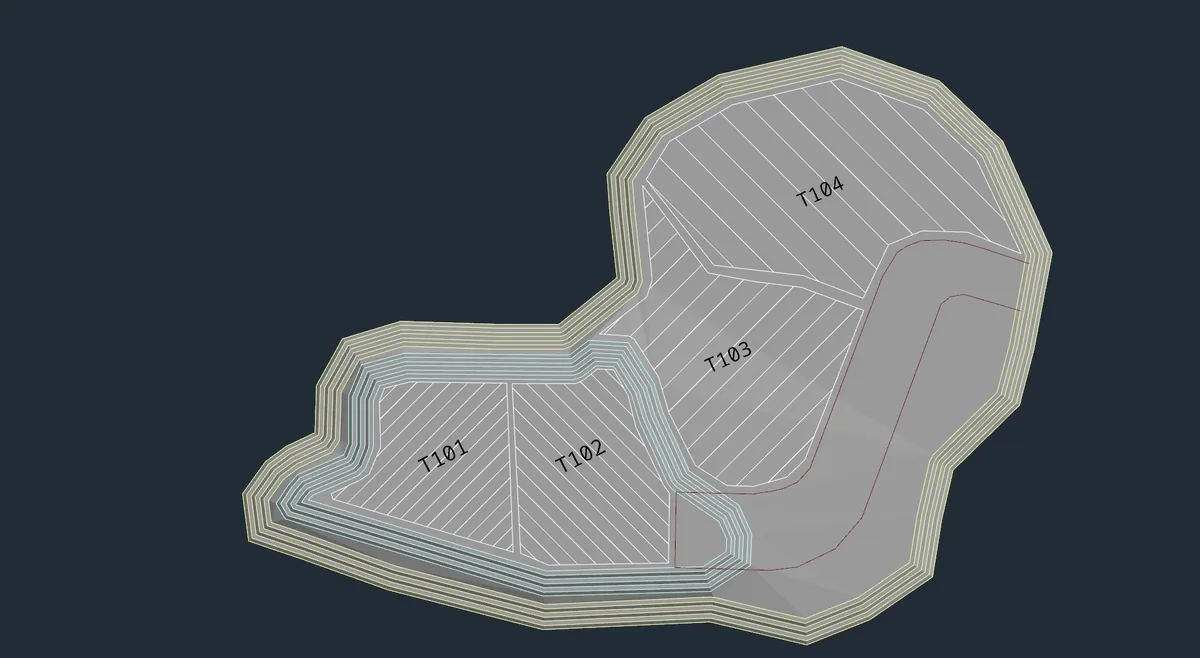
Designs
Create and refine your mine plans with flexible design tools for drawing, editing, and working with geometry.
Built by the community. Free for you.
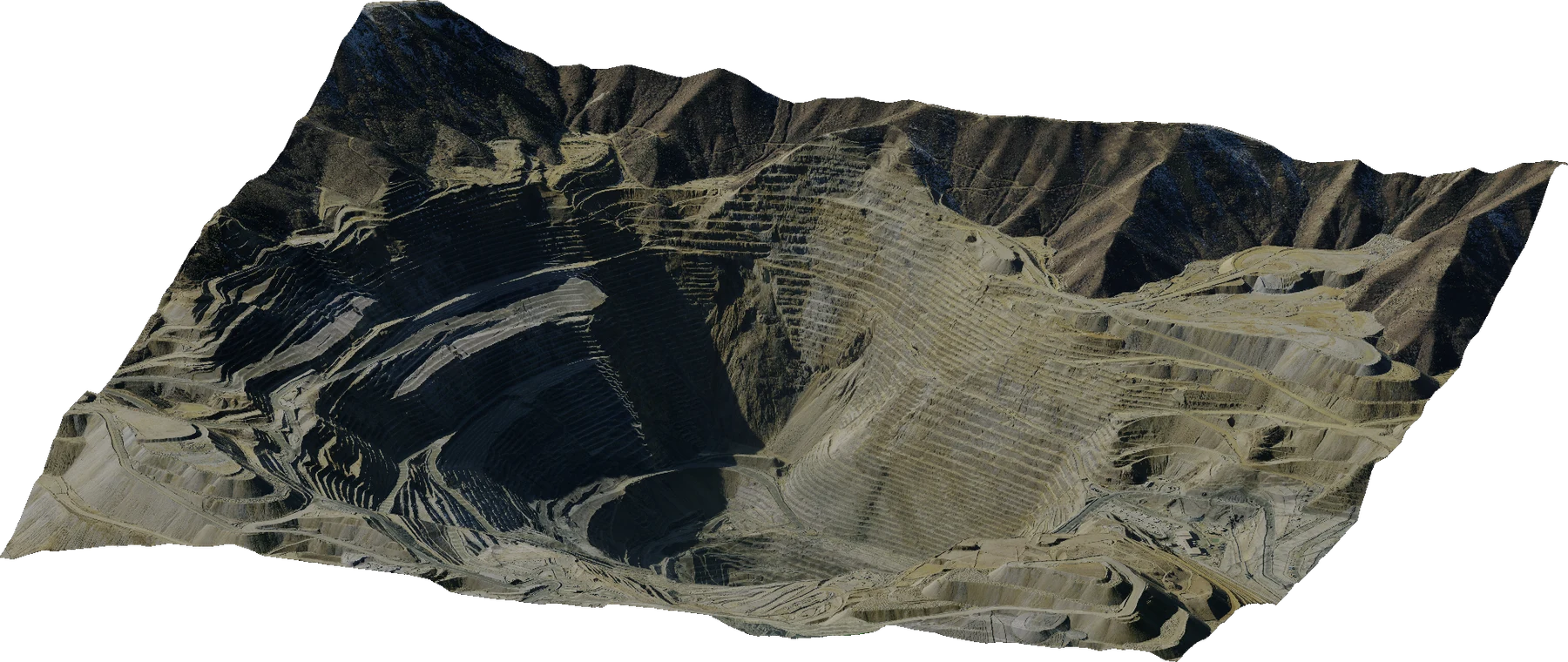
An open way forward
Incline Design is an MIT open-source mining software platform for students, researchers, and industry professionals. It provides an accessible environment to implement new algorithms, research, and innovative approaches to mining engineering.
Built together. Open to everyone.Theres a workspace for that
Production for crafting mine designs, Drill & Blast for designing and simulating blasts, Survey for analysing geospatial data, Geology for modelling geological deposits, and Planning for creating optimal mine schedules.
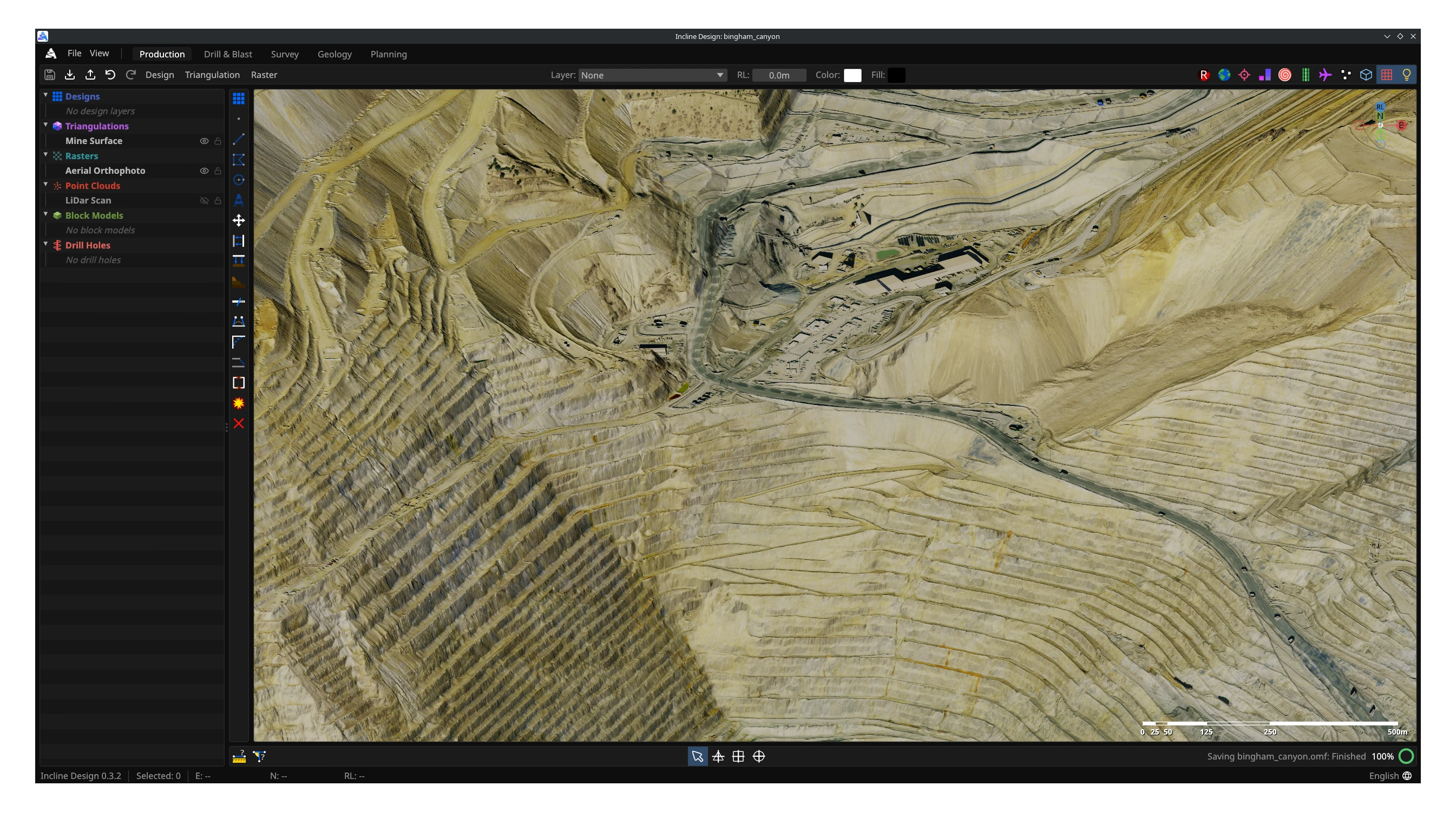
From the ground up
Create and refine your mine plans with flexible design tools for drawing, editing, and working with geometry.
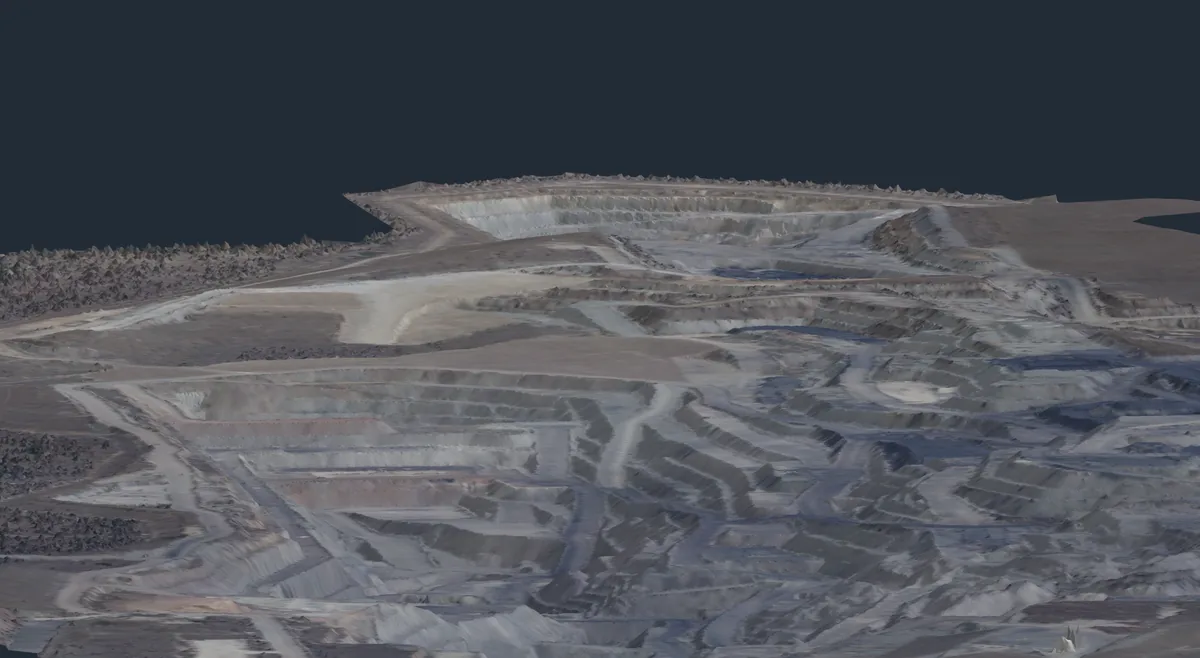
Create and edit surfaces from points and strings, then use them as a basis for your mine designs.
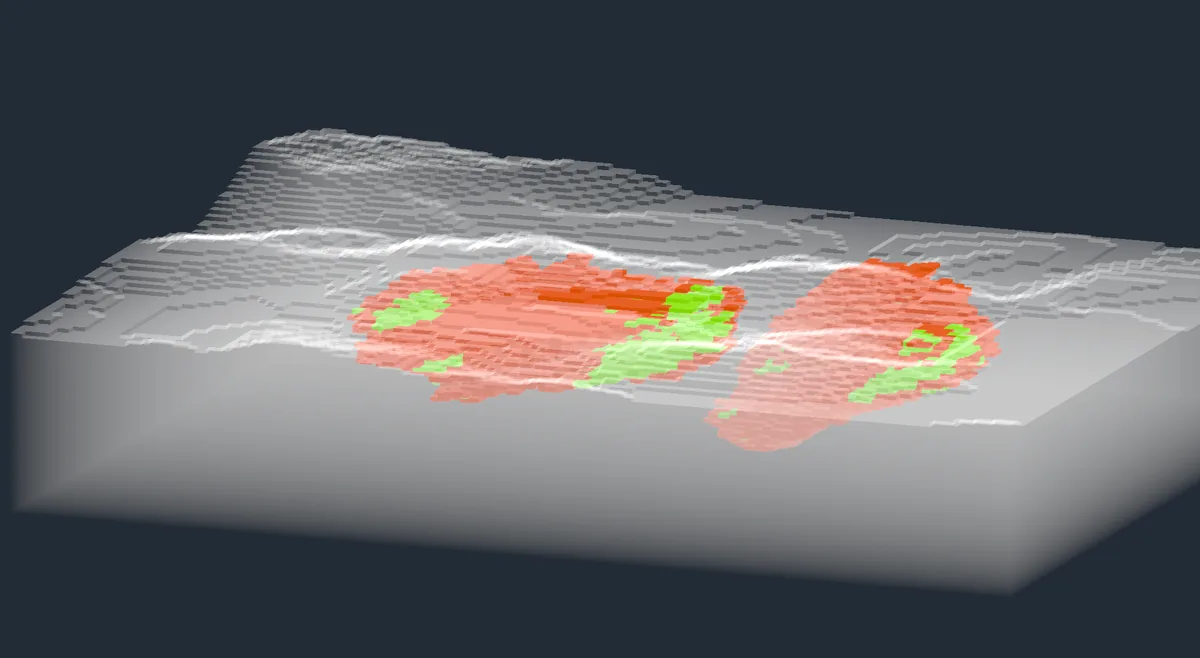
Visualise block models with colouring and filtering by attribute to inspect grades and plan your pit shells.
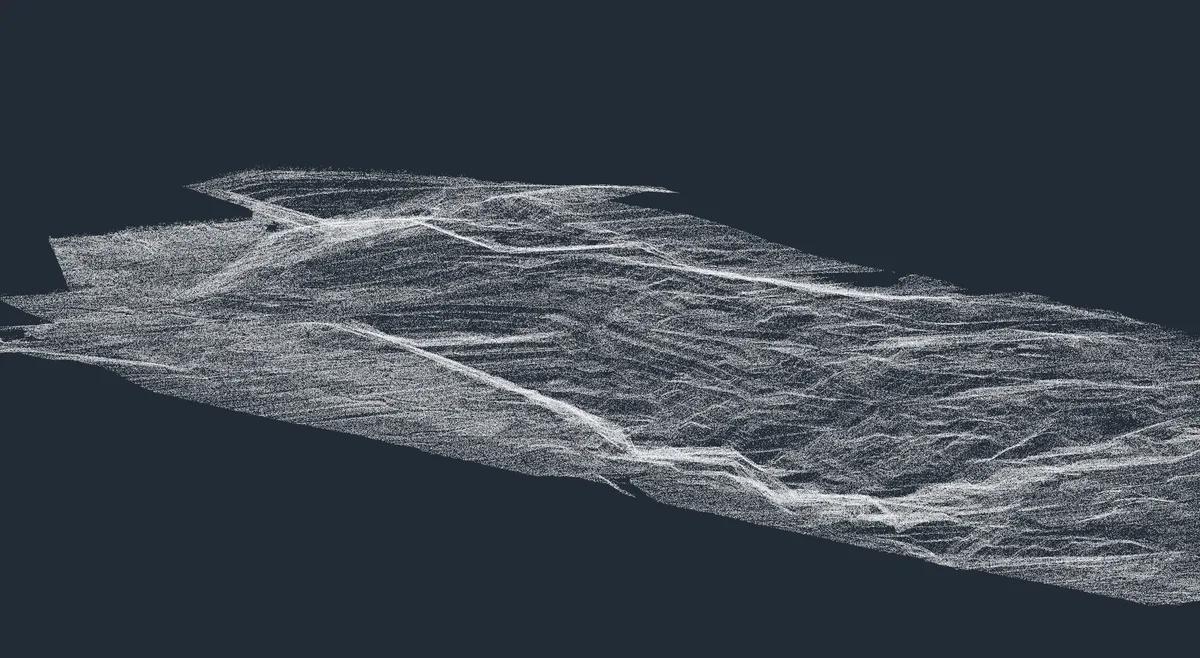
Import and view survey point clouds, then generate terrain surfaces to use alongside your mine plans and designs.
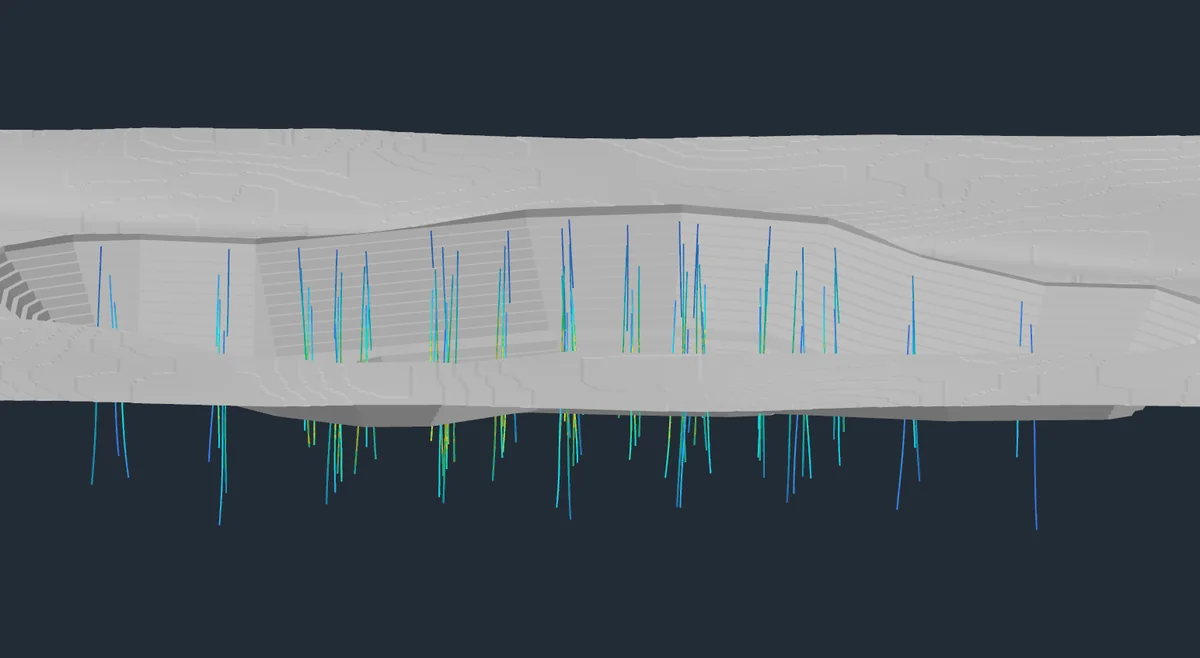
Create and refine blast patterns in our dedicated Drill & Blast workspace, with tools for laying out drill holes.
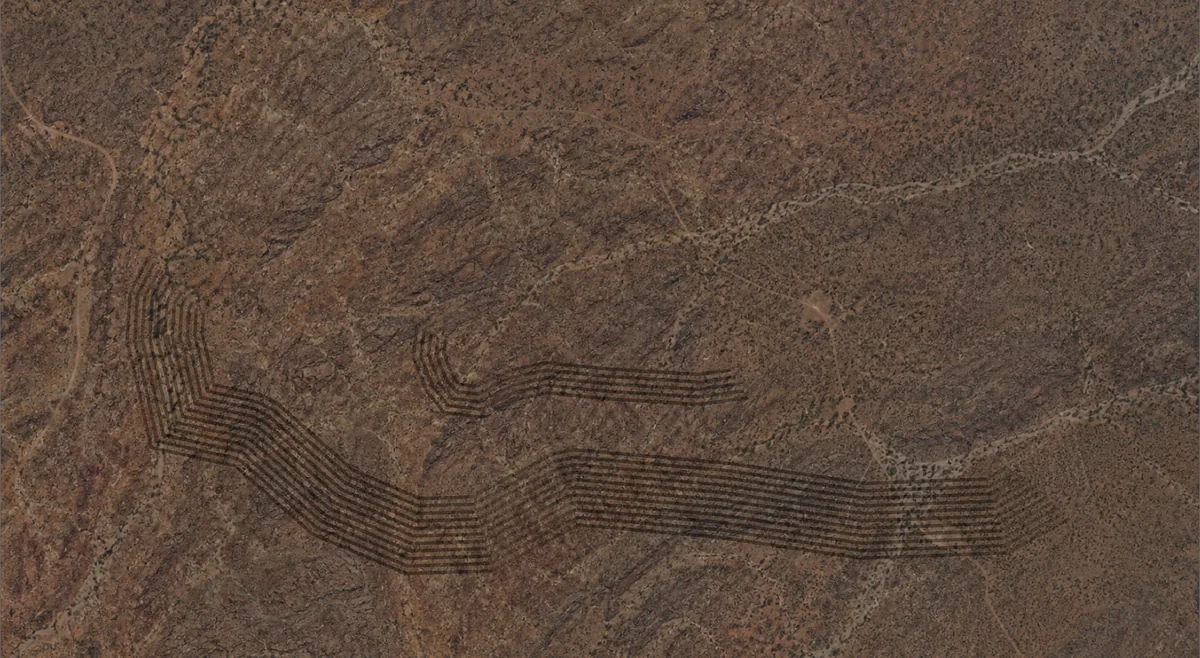
Drape georeferenced imagery over terrain surfaces to view your designs alongside existing infrastructure.
Interoperability
Incline's native file type is Open Mining Format 2. Your designs, triangulations, block models, drill holes, point clouds, and rasters together in one open file format.
Your next project starts here
Free and MIT open source. Windows, macOS, Linux, and Web.